Everything you need to grow, engage and monetize your community. Your own creator website, memberships, exclusive content, events, ticket sales, online shop and integrated payments. All in one platform.
From€99one-time installation. All standard features included.
Social platforms are where people find you. They are a poor place to keep your whole business, because none of it is on your terms.
Their design, not yours
On a third-party platform your page looks like everyone else's, and the customer experience is whatever the platform decides it is.
Rules and fees can change
Terms, revenue share and reach are set by someone else, and they can be changed without asking you.
Monetisation has limits
You can sell what the platform supports, in the way it supports it. Tickets, products and memberships rarely live in one place.
The relationship is mediated
Your customers log in to the platform, pay the platform and hear from the platform. You see what it chooses to show you.
What is Creator OS?
Creator OS is a creator-business platform that Studio 88 installs for one creator at a time. It gives you a branded website, paid memberships, member-only video, events with QR tickets, an online shop and card payments into your own Stripe or myPOS account, on your own domain and database. It costs €99 once for the standard platform, or from €200 with custom development, and has no mandatory monthly platform fee.
It does not remove your payment provider’s processing charges, and it cannot move your followers off another platform for you. It gives you a place of your own to send them.
Everything included
One platform, seven parts of your business
Every feature below is in the standard platform at €99. Open any line for the detail, including the few places where something depends on your payment provider or is done by arrangement.
01
01. Website and branding
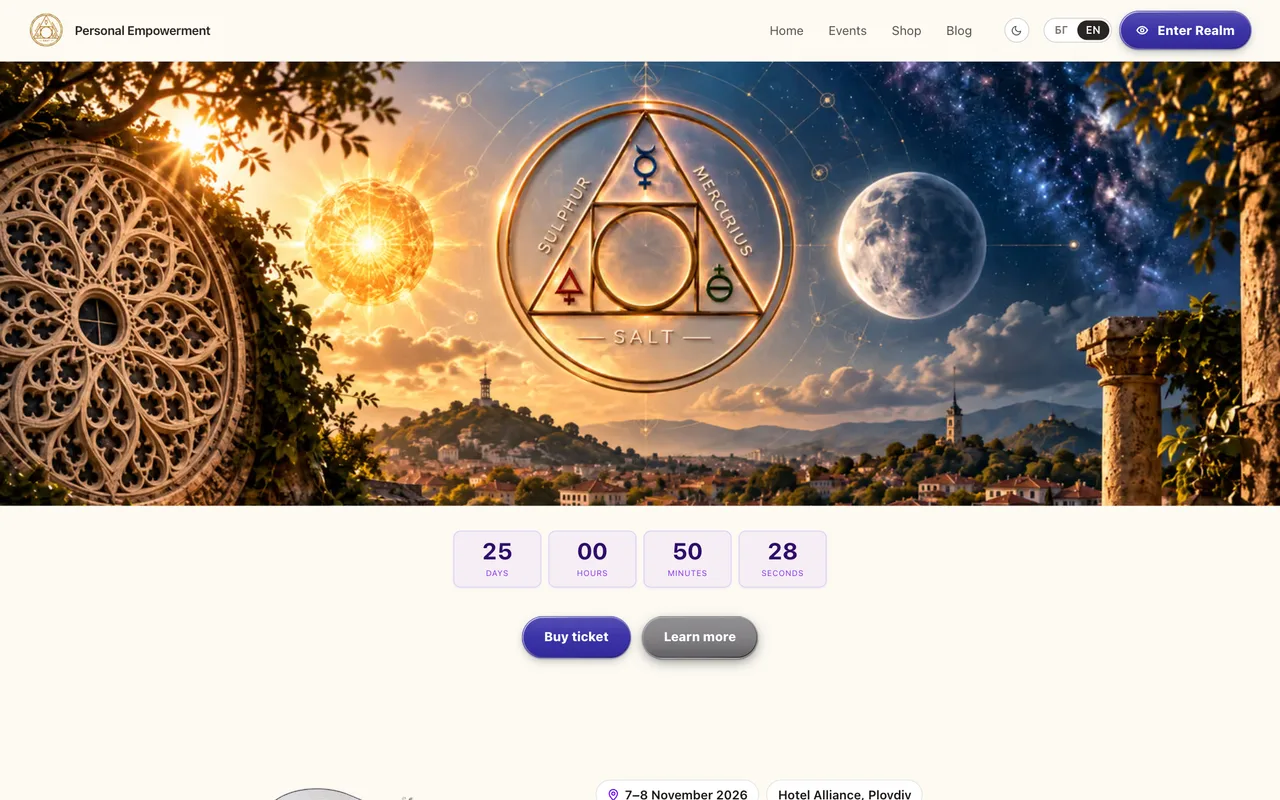
A complete creator website under your own name, with your logo and colours, that you edit yourself.
Personal creator website
Home, about, services, events, blog, shop, membership, testimonials, contact and legal pages, ready to fill with your content.
Your own domain
We connect the domain you already own, or one you register, during installation. The registration stays in your name.
Logo and brand colours
Upload a logo (and a dark-mode version) and set your three brand colours from the dashboard. No developer needed to change them later.
Brand fontsSet at install
We set your typefaces when we install the platform. Fonts are part of the build rather than a dashboard setting, so later changes go through support.
Layout and theme
Show, hide and reorder homepage sections, edit the navigation and footer, and choose a light or dark default. Visitors can switch between the two.
Responsive design
Every page is built mobile-first and adapts to phone, tablet and desktop.
Content management
Edit pages, posts, products, events and media from an owner dashboard, with a full CMS admin behind it for everything else.
Blog and articles
Write and publish articles with cover images.
SEO built in
Page titles and descriptions, a sitemap, robots rules and structured data for your organisation, events and articles.
Contact form
Messages are saved to your dashboard and emailed to you, so nothing is lost in an inbox.
Social links, testimonials, services and FAQ
Link your Facebook, Instagram, TikTok, YouTube and X profiles, publish testimonials, and describe your services with a FAQ underneath.
More than one language
Content can be written in English, Bulgarian, Spanish, Italian and German, with a language switch for visitors.
02
02. Paid video for members
What you would use Patreon for, on your own site. Upload a video, choose which membership tiers can watch it, and your members stream it inside their account. The video is hosted privately on Mux, and no one gets a link they can pass around.
Private by default
Every video is stored with signed playback. There is no public address for it; your site issues a short-lived pass to one member at a time, after checking that their membership covers it.
Gated by tier
Each video names the tiers that unlock it. You set the order of your tiers, so a higher tier can include everything below it.
Locked videos sell the upgrade
A member who cannot watch a video yet still sees its title, poster and description, and which tier would unlock it. They can upgrade from their account.
A library for each member
Members get their own video library that shows what is unlocked for them and what is not.
Streaming handled for you
Mux encodes each upload and adapts the quality to the viewer's connection, on phone or desktop. Your dashboard shows when a video is ready.
Your other video still works
Unlisted YouTube, Vimeo and directly uploaded files can sit in the same library, with the same tier rules.
1
Upload
Add the video from your dashboard. It goes straight to Mux, which prepares it for streaming.
2
Choose who watches
Pick the tiers that unlock it, or open it to every member or every signed-in visitor.
3
Members watch
It appears in their library. Playback starts only after your site has checked their membership.
This runs on a Mux account in your name, and Mux bills you for storage and streaming; their free plan stores up to 10 videos. We connect and test it with your account during installation, in both packages. Private video makes sharing hard, but no service can stop someone filming their own screen.
03
03. Social content and video
Bring the content you already make onto your own site, and keep the best of it for members.
TikTok and Facebook video feeds
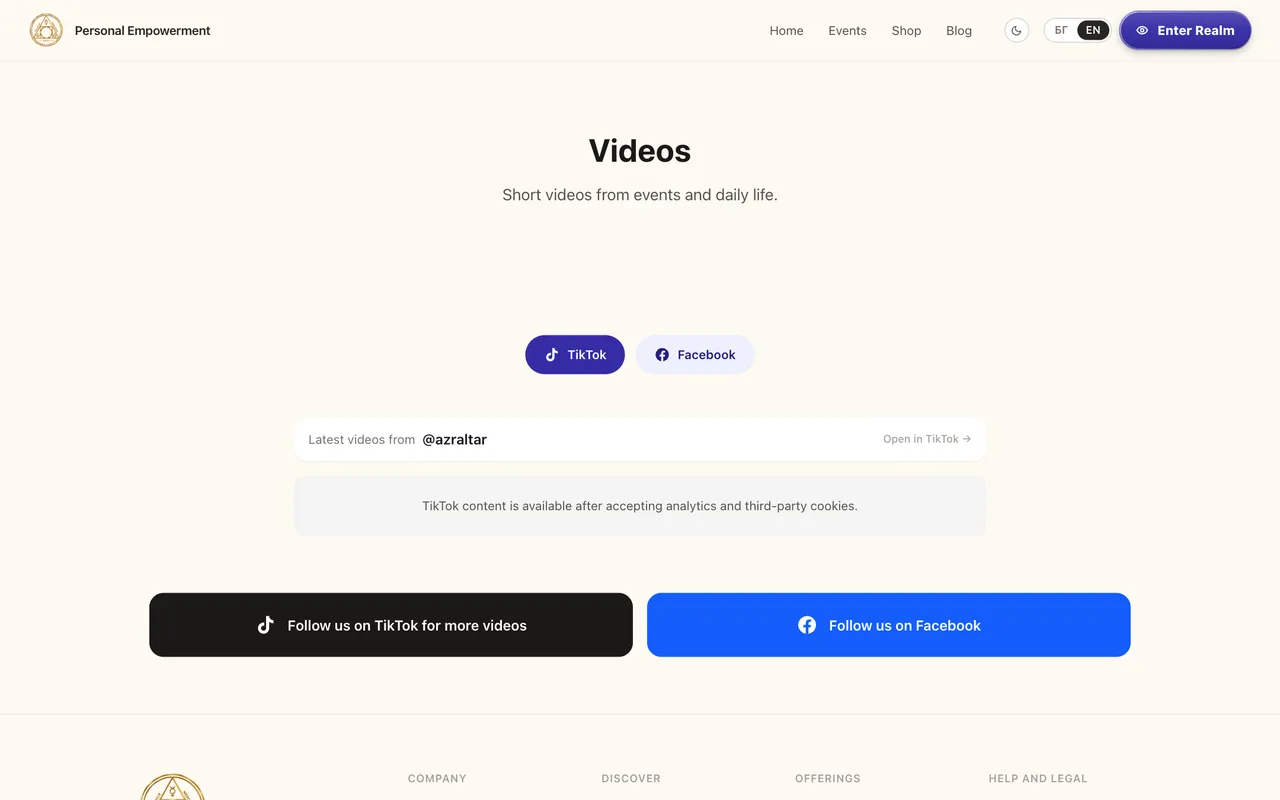
A videos page that embeds your TikTok and Facebook content. Embeds load once the visitor accepts third-party cookies.
YouTube and Vimeo embeds
Add videos by link and play them inside your own pages.
Video library
Add, organise and publish videos from the dashboard.
04
04. Events and tickets
List an event, sell the tickets yourself and scan them at the door with your phone.
Event listings
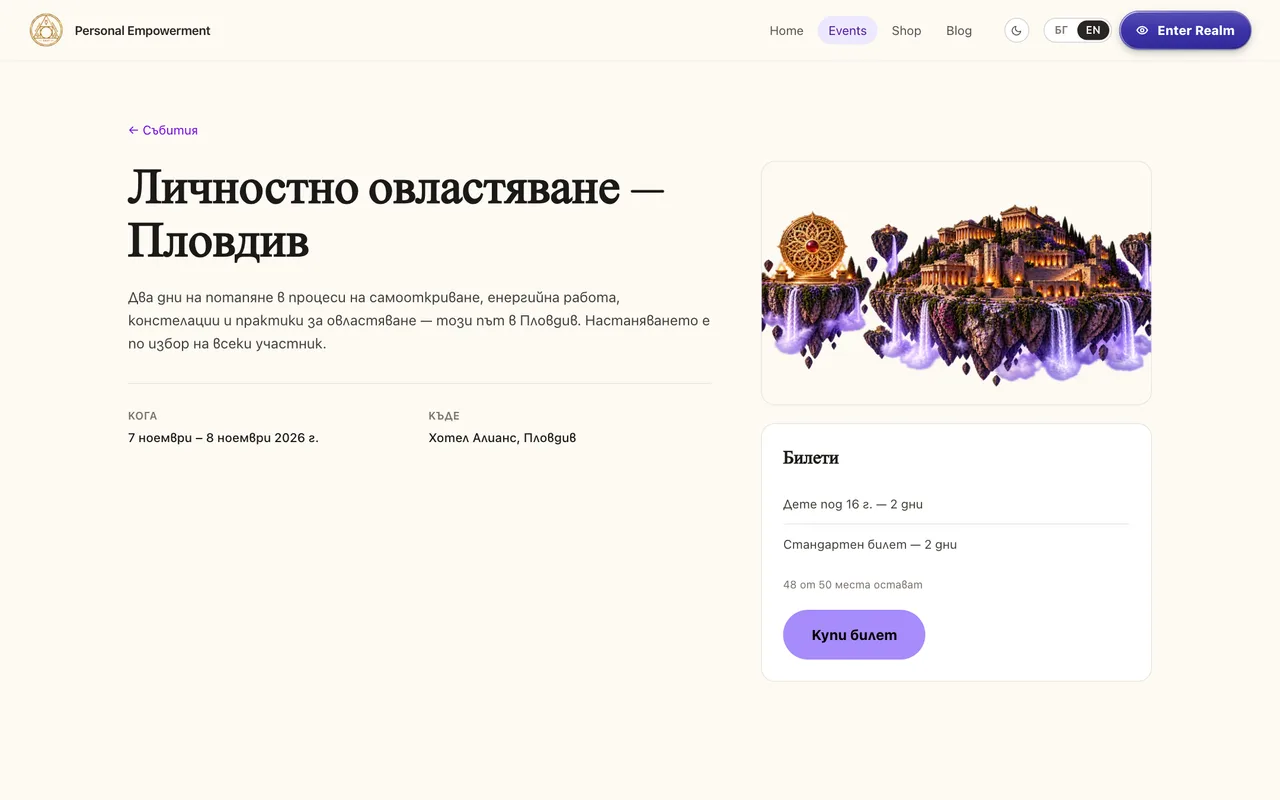
Upcoming and past events with dates, venue, description and cover artwork.
Paid ticket sales
Visitors pay by card on your site. The money goes to your own payment account.
Ticket packages
Offer several packages for one event, such as standard, child or two-day tickets, and let buyers mix them in a single purchase.
Capacity management
Set a limit for the event and for each package. Seats are held while someone pays and released if they do not finish.
QR tickets
Each buyer receives a digital ticket with a unique QR code.
Door check-in
Staff scan tickets with a phone camera from the check-in screen in the dashboard.
Confirmation emails
Buyers get an email with their order and tickets as soon as payment is confirmed.
Attendee list export
Download the attendee list as a CSV file.
Registrations and waiting list
Visitors can register interest without paying. Registrations arrive as pending, or on the waiting list when the event is full, for you to follow up.
Webinars and online sessionsTicketing only
You can sell tickets to an online session like any other event. Creator OS does not run the live call, so you host it on the tool you already use; sending join links automatically is custom work.
05
05. Memberships
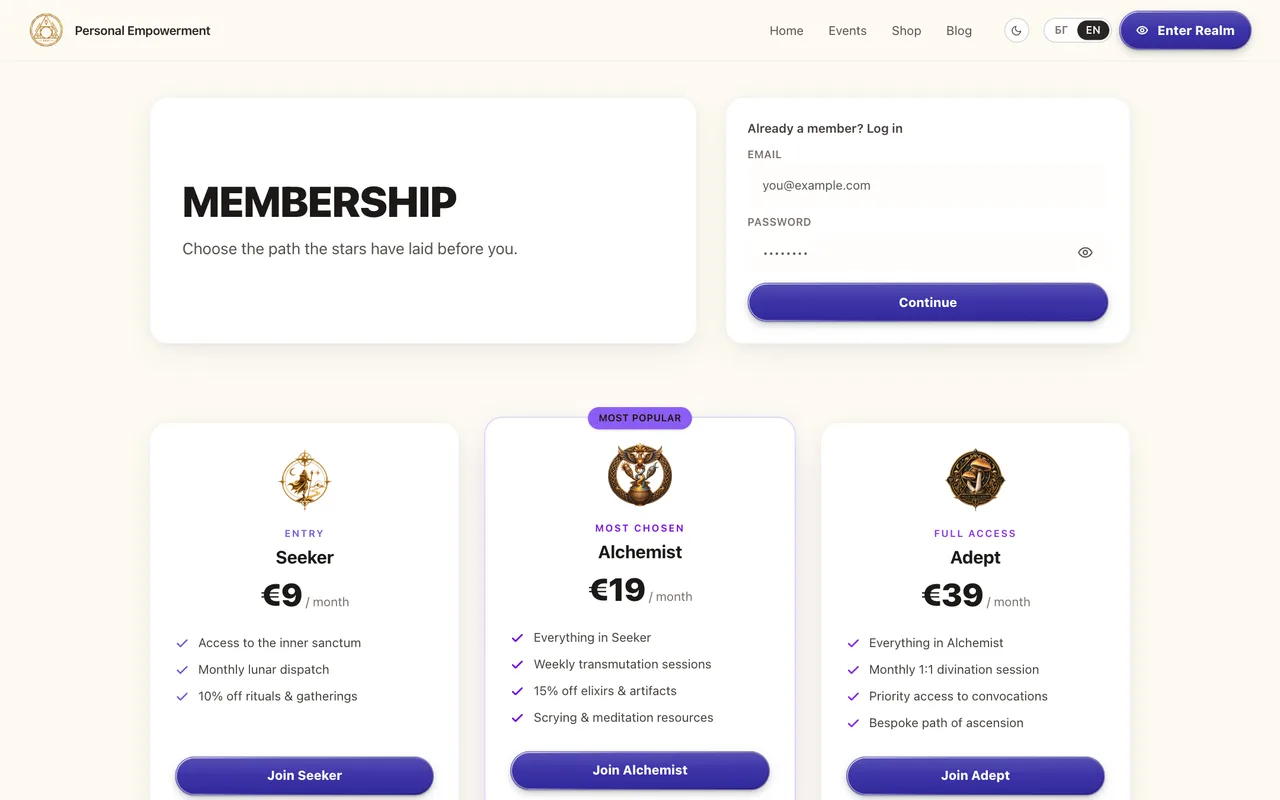
Paid tiers with their own content, and an account area where members manage everything.
Paid membership tiers
Create tiers with their own price, benefits and artwork from the dashboard.
Recurring subscriptionsProvider dependent
Monthly billing runs through Stripe. With myPOS, the first payment works today; automatic renewals depend on myPOS enabling recurring charges on your merchant account.
Members-only content
Videos and the member library are restricted by tier. Blog posts are public as standard; member-only articles are custom work.
Inner Circle area
A private area for members that opens onto their video library.
Accounts and login
An account is created when someone buys, and they activate it from an email link. There is no open public sign-up form as standard.
Member account area
Profile, orders, tickets, events, downloads, videos and membership in one place.
Access rules
Decide as the owner which tier unlocks which content.
Renewals and cancellationsProvider dependent
Members upgrade from their account. With Stripe they update their card or cancel through Stripe's customer portal; with myPOS, cancellations are handled by you.
06
06. Commerce
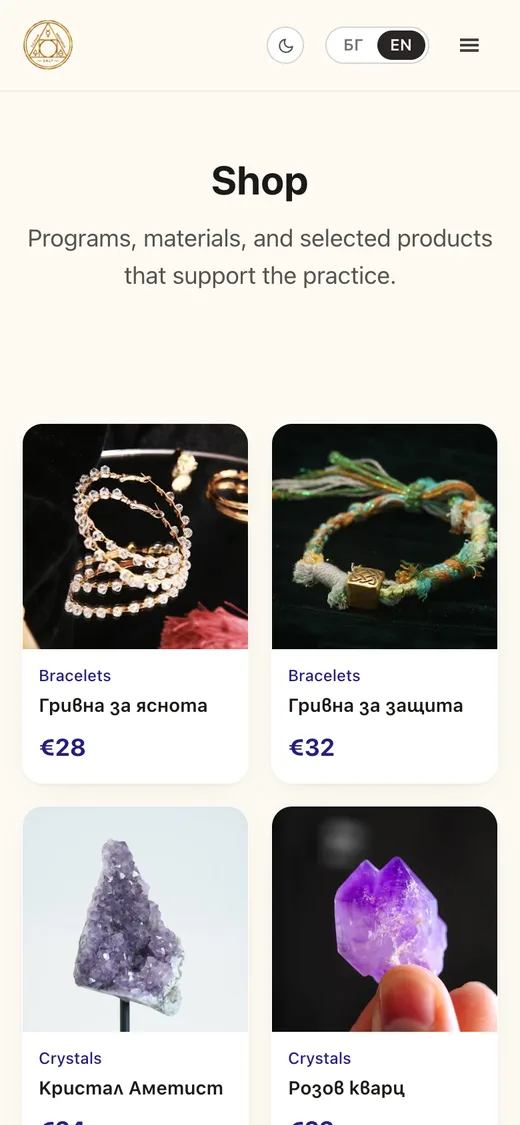
A shop for digital and physical products, with orders and stock in your dashboard.
Online shop
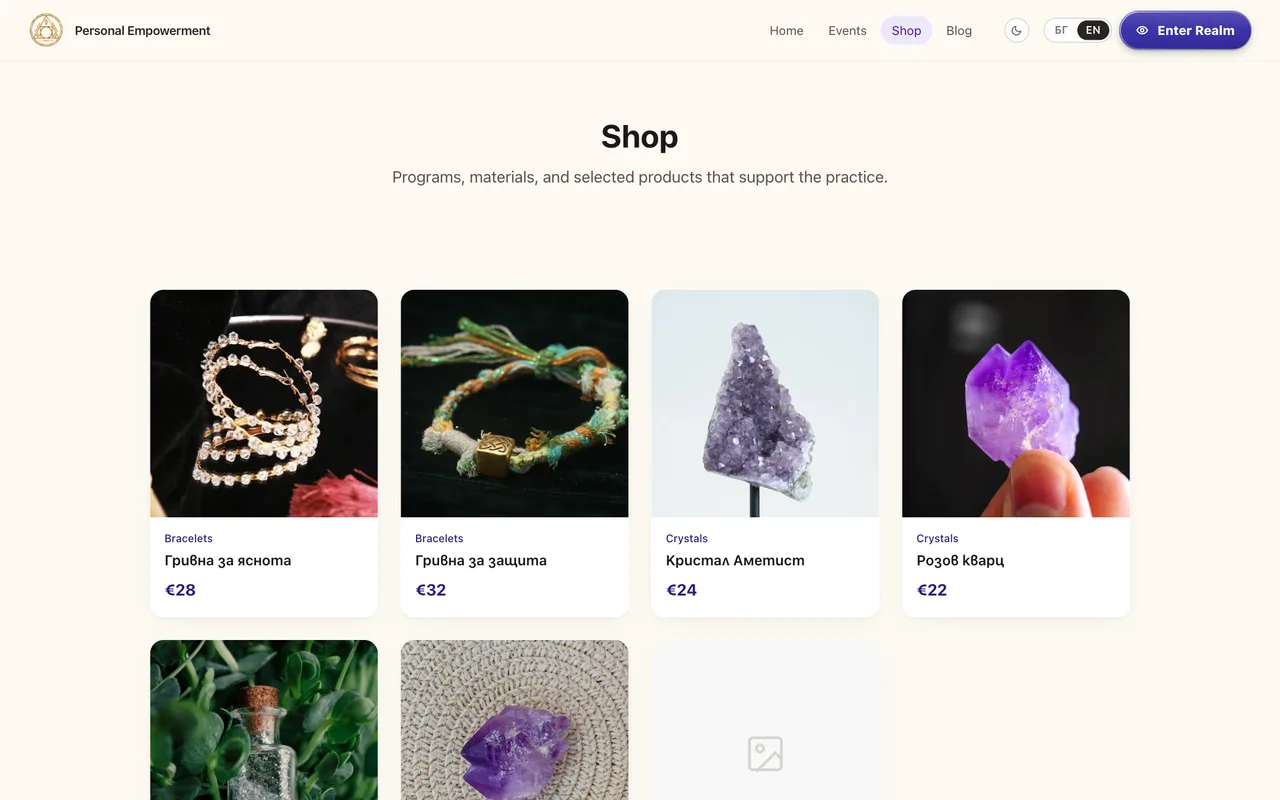
Product pages with categories, images and prices.
Digital products
Files are stored privately and delivered through the buyer's account after payment, not through a public link.
Physical productsDelivery by arrangement
Sell physical items and track stock. Collecting a delivery address at checkout and courier integrations are not standard, so tell us how you deliver.
Buy-now checkout
Shop products are bought one at a time with a direct checkout. A multi-item shopping cart is not part of the standard platform.
Order management
See every order, its status and what was bought.
Inventory
Stock goes down as orders are paid and products show as sold out at zero.
RefundsProvider dependent
Refund a Stripe order from the dashboard. myPOS orders are refunded from your myPOS account.
Donations and tipsBy arrangement
Not switched on in the standard platform. The payment side exists for myPOS; a public donation page is custom work.
07
07. Administration
One dashboard for you and your team, with roles that limit who can touch what.
Owner and staff dashboard
A dashboard built for running the business day to day, separate from the technical CMS admin.
Orders and transactions
A record of every order with its payment provider and status.
Membership management
Manage tiers and see your subscribers.
Events management
Create events and packages, watch sales against capacity and run check-in.
Analytics
Revenue over the last 30 days by day and by source, event views against registrations, your most-read posts and membership churn.
Transactional emails
Order and ticket confirmations, membership welcome, account activation and failed-payment notices, sent from your own email service account. Newsletters are not included.
Staff permissions
Three roles (owner, manager and editor) decide which parts of the dashboard each person can open.
In the owner dashboard
Orders
Events
Check-in
Membership tiers
Subscribers
Videos
Access rules
Blog
Website
Analytics
The dashboard holds customer data, so we walk you through it on a call rather than publish a screenshot. Request a Demo
Creator OS at €99, or Creator OS Custom from €200 if you need something built for you.
2
Step 2: Send us your branding and requirements
Logo, colours, fonts, content and access to your domain. For Custom, we agree the scope in writing first.
3
Step 3: We configure and deploy your platform
Your own installation, database and payment accounts, connected to your domain.
4
Step 4: You launch and start growing
We hand over the dashboard and stay on for support.
How long this takes depends on your configuration, on access to your domain and on your payment provider approving your account. We give you a realistic date once we have seen your requirements.
Payments
Accept payments directly through your own accounts.
Customers pay you, not us. The provider account is in your name and the money settles to you. We take no cut of your sales.
Stripe
Available
Tickets, shop orders, recurring memberships, a customer billing portal and refunds from the dashboard.
myPOS
Available
Tickets, shop orders and the first membership payment. Automatic renewals need myPOS to enable recurring charges on your merchant account.
Revolut
Planned
Not integrated yet. If you need Revolut, say so in your inquiry and we will tell you honestly what it would take.
Processing charges are set by your payment provider and paid to them. Creator OS does not add to them and cannot remove them.
Pricing
Two packages. Every feature in both.
You pay once for the installation. The only question is whether you need anything built specially for you.
Creator OS
€99one time
The complete standard platform, installed for you under your brand.
Both packages include every standard feature. The Custom package pays for bespoke work, not for unlocking modules.
Custom scope is agreed in writing before development starts. Larger requirements get a separate quote.
Lifetime support means ongoing help with your installation for as long as that version of Creator OS is supported. It does not include unlimited custom development or every future upgrade.
Hosting, your domain, third-party services such as email or video hosting, and payment-processing charges are billed by those providers and are not included.
Ownership
An installation of your own, not a seat on ours.
Creator OS is not a shared service with your page on it. Each creator gets a separate installation, and nothing in it is pooled with anyone else.
Your domain
Registered to you, pointed at your platform.
Your database
A database of your own. Nothing is shared with another creator.
Your payment accounts
Customers pay into your Stripe or myPOS account.
Your customers
Names, emails and orders sit in your installation.
Your content
Posts, videos, products and media stay yours.
Your deployment
Its own hosting project, separate from every other installation.
The licence, in plain words
You receive a perpetual licence to use and modify your own installation. Copyright in the underlying Creator OS engine is not transferred: it remains licensed intellectual property, and the engine may not be resold or redistributed. You receive the full terms in writing before you pay anything.
Questions
Asked often, answered straight
Is €99 really a one-time payment?
Yes. €99 is paid once to Studio 88 for the installation of the standard Creator OS platform under your brand. There is no recurring Creator OS charge after it.
Are there monthly fees?
There is no mandatory Creator OS subscription. You do pay third parties for what your platform runs on: hosting, your domain, optional services such as video hosting, and your payment provider's processing charges. Those are billed to you directly by each provider.
Do I own my website and customer data?
Your domain, database, content, customer records, payment accounts and deployment are yours. You receive a perpetual licence to use and modify your installation. Copyright in the underlying Creator OS engine stays with us, and the engine may not be resold or redistributed. You get the full terms in writing before you pay.
Can I use my existing domain?
Yes. We connect it during installation. You keep the registration; we only need access to point it at your platform.
Can I change colours, fonts and layout?
Your logo, brand colours, light or dark default, homepage sections, navigation and footer are editable from the dashboard. Fonts are set by us at installation, and later font changes go through support. All of this is included in both packages.
Can I sell memberships?
Yes. You create paid tiers and restrict videos and the member library by tier. Recurring billing runs through Stripe. With myPOS the first payment works today, and automatic renewals depend on myPOS enabling recurring charges on your account.
Can I sell webinar and event tickets?
Yes for events: listings, ticket packages, capacity limits, QR tickets, confirmation emails and phone check-in at the door. You can sell tickets to an online session the same way, but Creator OS does not host the live call. You run it on the conferencing tool you already use.
Can I offer paid video to members, like on Patreon?
Yes. You upload videos from your dashboard, choose which membership tiers unlock each one, and members watch them in their own library. Videos are hosted privately on Mux with signed playback, so there is no public link to share. You need a Mux account in your name, which Mux bills for storage and streaming.
Can I accept Stripe, myPOS or Revolut payments?
Stripe and myPOS are integrated, and payments go into your own account with either. Revolut is not integrated yet; it is planned, and we will not sell it as ready until it is. Processing charges are set by your provider.
What does lifetime support include?
Ongoing help with your installation: questions, fixes for faults in the standard platform and guidance on using it, for as long as that version of Creator OS is supported. It does not include unlimited custom development, and it is not a promise of every future upgrade for free.
What is the difference between €99 and €200?
Features are identical. €99 is the complete standard platform with your branding. Creator OS Custom starts at €200 and adds development made for you, such as bespoke sections, custom pages or a personalised checkout flow, within a scope we agree before starting.
Can I request additional custom features?
Yes. Describe what you need in the inquiry form. We agree scope and price before any work begins, and larger requirements are quoted separately.
How long does installation take?
It depends on how quickly we receive your branding and content, on access to your domain, and on your payment provider approving your account, which is outside our control. We give you a realistic date once we have seen your requirements.
Can I migrate from Patreon?
You can start selling memberships on your own platform, but there is no automated import. Patreon subscriptions cannot be transferred, so existing patrons would need to subscribe again on your site. We can help you plan the move.
Get started
Ready to own your creator business?
Tell us who you are and which package fits. We reply by email with the next steps. No payment is taken here.